# Add support engineer
Use the down arrow to the left of the job row to expand the job details and once expanded, navigate to the visits tab and click on the + icon to the right of the primary engineer onto which the job was planned.
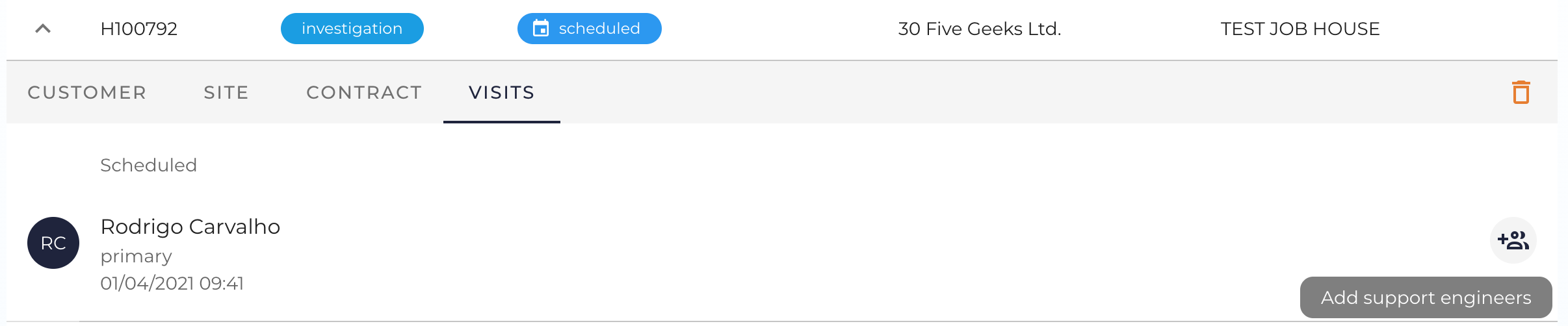
Use the down arrow to the left of the job row to expand the job details and once expanded, navigate to the visits tab and click on the + icon to the right of the primary engineer onto which the job was planned.